
Appearance
Appearance
Sliders
You can create multiple sliders for your store, then switch between them anytime you like.
Navigate to Appearance > Storefront > General to switch store slider.
Create Slider
Navigate to Appearance > Sliders > Create Slider to create a new slider.
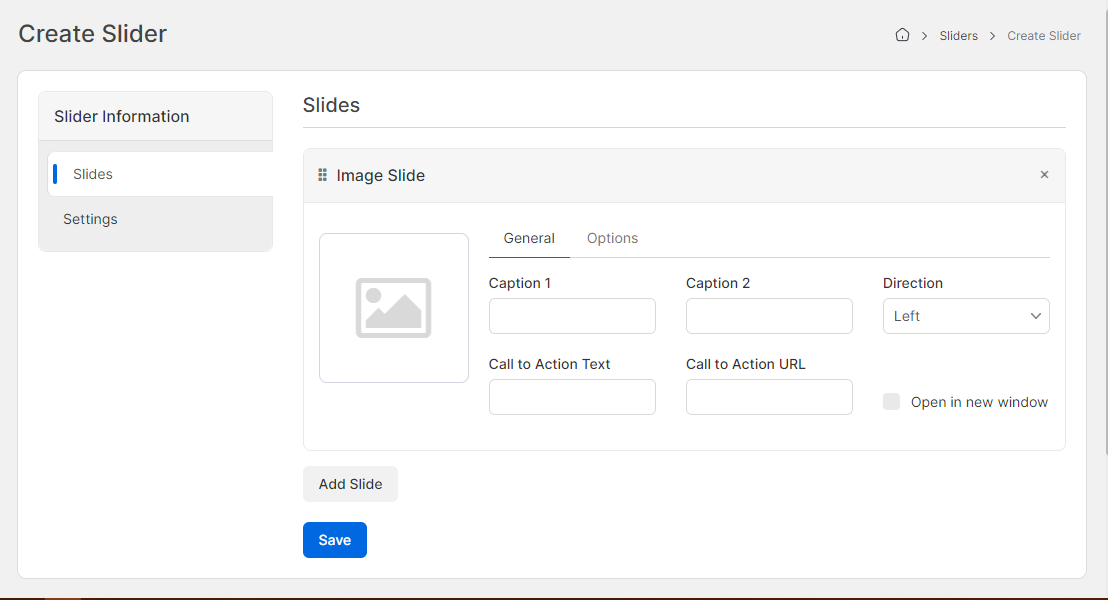
Slides

Settings
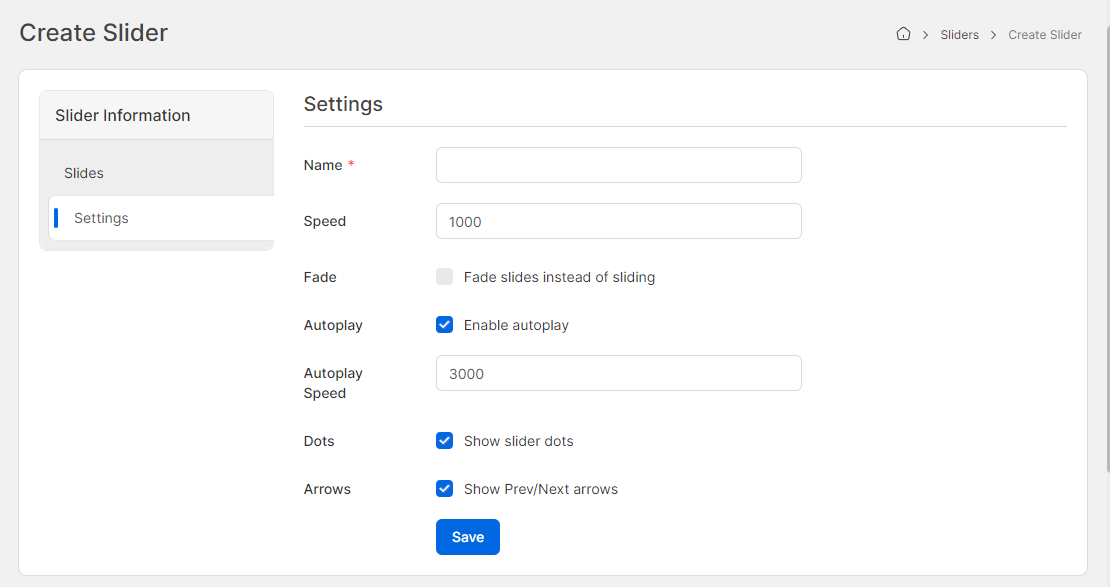
- Name (translatable): The name of the slider.
- Autoplay: Autoplay the slider.
- Autoplay Speed: Autoplay speed in millisecond.
- Arrows: Show slider arrow.